Loading My Golf...
Preparing your educational game experience
Game Information
Do you like golf? Try one shot hole in My Golf, unlock new levels and new balls by completing the world with all the stars...
How to Play
- Read the objective shown in the game area.
- Move, aim, or time your action to complete each challenge.
- Replay rounds to improve accuracy and decision making.
Game Controls
Tips & Tricks
- Watch the timing before making a move.
- Focus on accuracy before speed.
- Use each retry to learn the pattern.
Developer Information
More sports Games
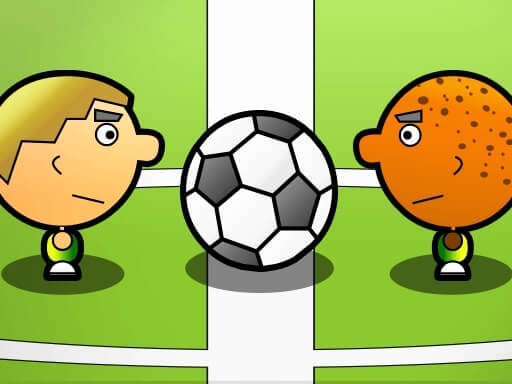
1 On 1 Soccer
enjoy this fantastic game 1 On 1 Soccer !1 1 Soccer is simple soccer game that can be played with 1 or 2 players. Choose your country and play against friend or computer fast-paced match! Score as many goals as you can against your opponent before time runs out!
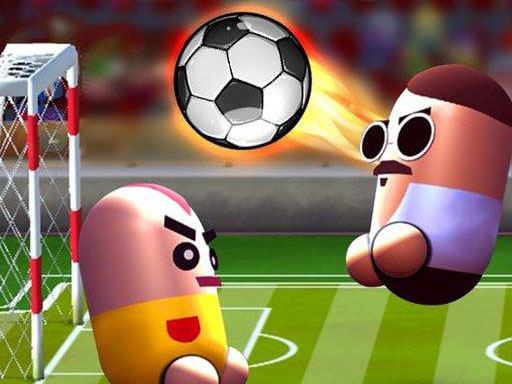
2 Player Head Soccer Game
enjoy this fantastic game 2 Player Head Soccer Game !Get ready for toughest soccer matches with Pill Soccer. Play against dozens real players or challenge your friends 2 player mode. Earn rewards by joining tournaments and unlock new characters and soccer ball styles. You can also earn rewards by checking daily tasks... You can earn diamonds by completing these tasks.

3D Bowling
3D Bowling is a realistic bowling simulation game. Perfect your technique and score strikes in this immersive 3D bowling experience!

Authentic Football:The Brazil World Cup
enjoy this fantastic game Authentic Football:The Brazil World Cup !3D modeling technology is employed to construct lifelike football field for Brazil World Cup, encompassing elements such as green pitch, goalposts, and stands, thereby creating an immersive match atmosphere. player and football models also boast high level intricacy: players movements are smooth and natural, and flight path football adheres to laws physics, enabling players to feel as if they are an actual Brazil World Cup match.