Loading Piano...
Preparing your educational game experience
Game Information
Piano is a creative browser game selected for quick skill practice on EduGameHQ.
How to Play
- Choose colors, sounds, outfits, or design pieces.
- Experiment with combinations until the scene feels complete.
- Finish the creative task or replay to try a new style.
Game Controls
Mouse Click and drag creative tools, clothing, or music controls.
Keyboard Use keyboard only when prompted.
Touch Tap and drag items on mobile.
Tips & Tricks
- Try one bold change at a time.
- Compare options before finalizing a look or sound.
- Replay to explore a different creative direction.
Developer Information
Developer: GamePix
Source: External
Type: Free
More creative Games

Coloring Studio
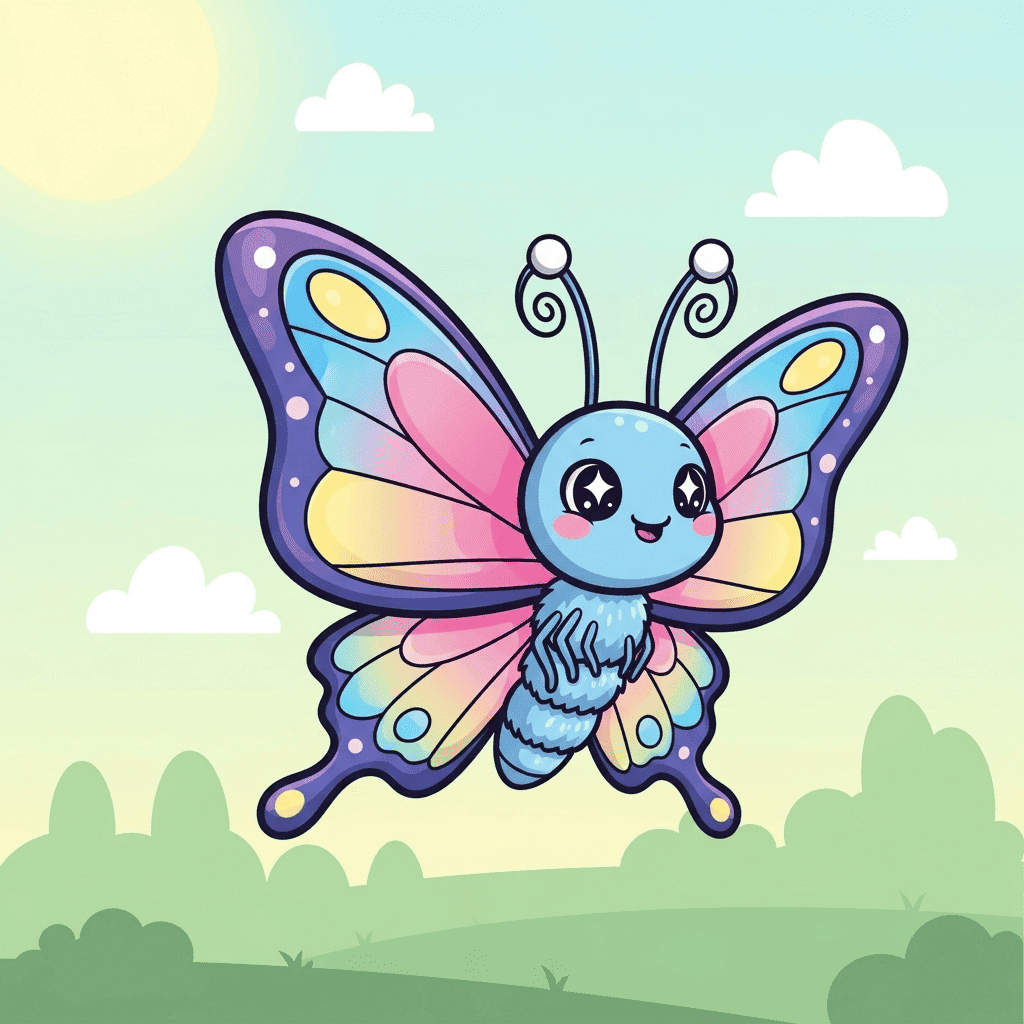
Unleash your creativity in this digital coloring studio! Choose from various pictures and color them with a wide palette of colors.
1.2K
Ages 3-12