
Loading Chess 2D...
Preparing your educational game experience
Game Information
Play Chess in 2D mode against the computer. Chess 2D assist with all possible Chess moves, with a green indication for a valid move, with a blue indicator for En Passant and Castling, a yellow indicator indicating a move that is not allowed because the Chess piece, King is in danger if the move were to be valid, and a red indication of the Chess piece, King.
How to Play
- Study the board, resources, or opponent position.
- Make moves that improve your long-term advantage.
- Adapt your plan as the board or economy changes.
Game Controls
Tips & Tricks
- Think one or two moves ahead.
- Protect key pieces or resources before attacking.
- Replay tough rounds to test a different plan.
Developer Information
More strategy Games
4x4 Chess: Last Man Stand
4x4 Chess: Last Man Stand is a free strategy game from CrazyGames that helps students practice planning, tactical thinking, and decision making.
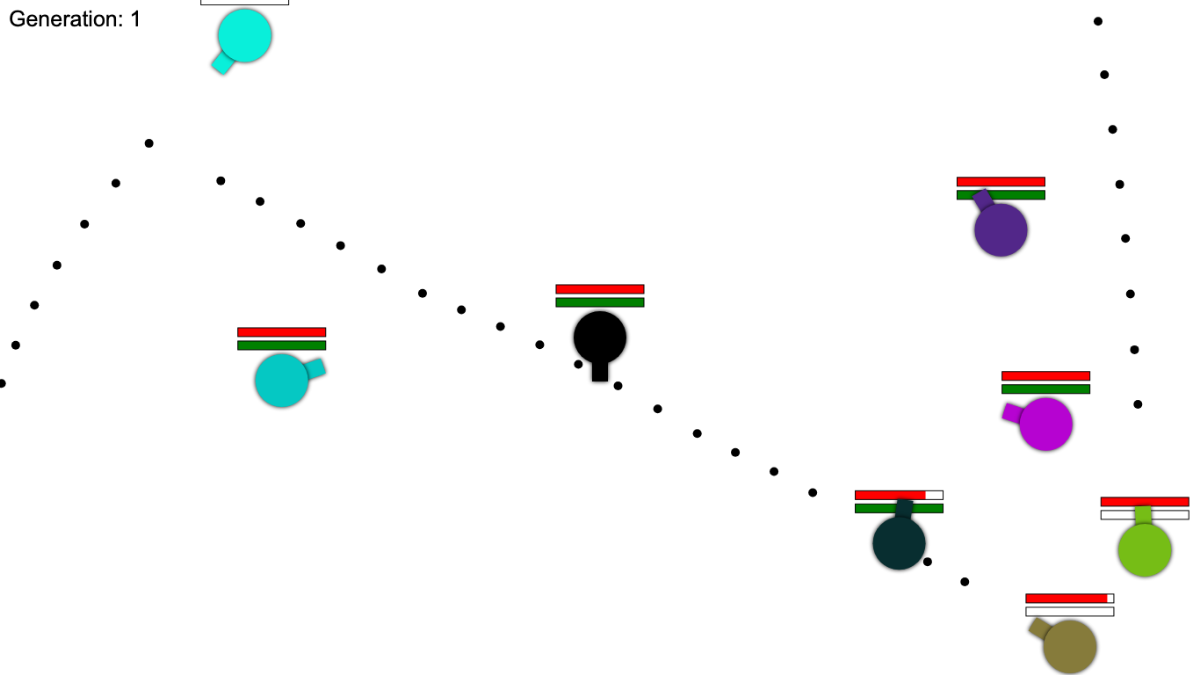
AimAndShoot
AimAndShoot is an open-source strategy shooting game where students practice angle estimation, timing, prediction, and cause-and-effect reasoning through fast browser rounds.
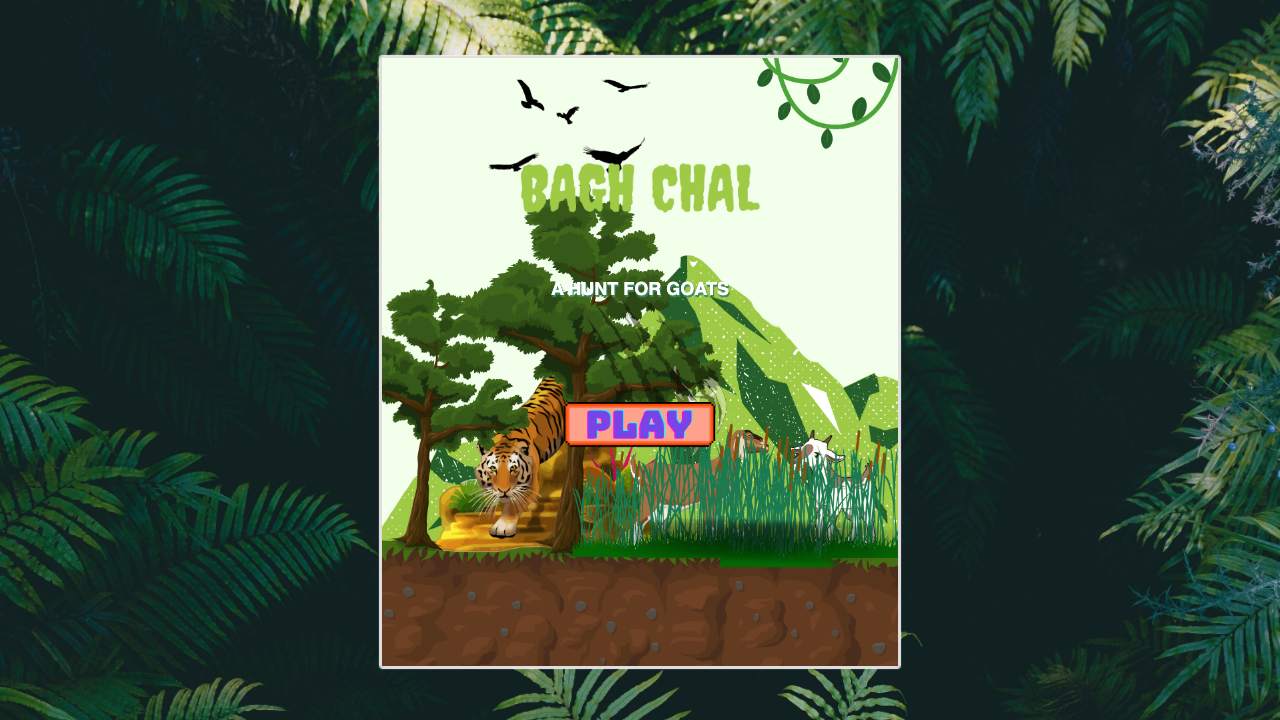
Bagh Chal
Baghchal Strategy is an open-source traditional board game where players use planning and blocking tactics to solve an asymmetric tiger-and-goat challenge.
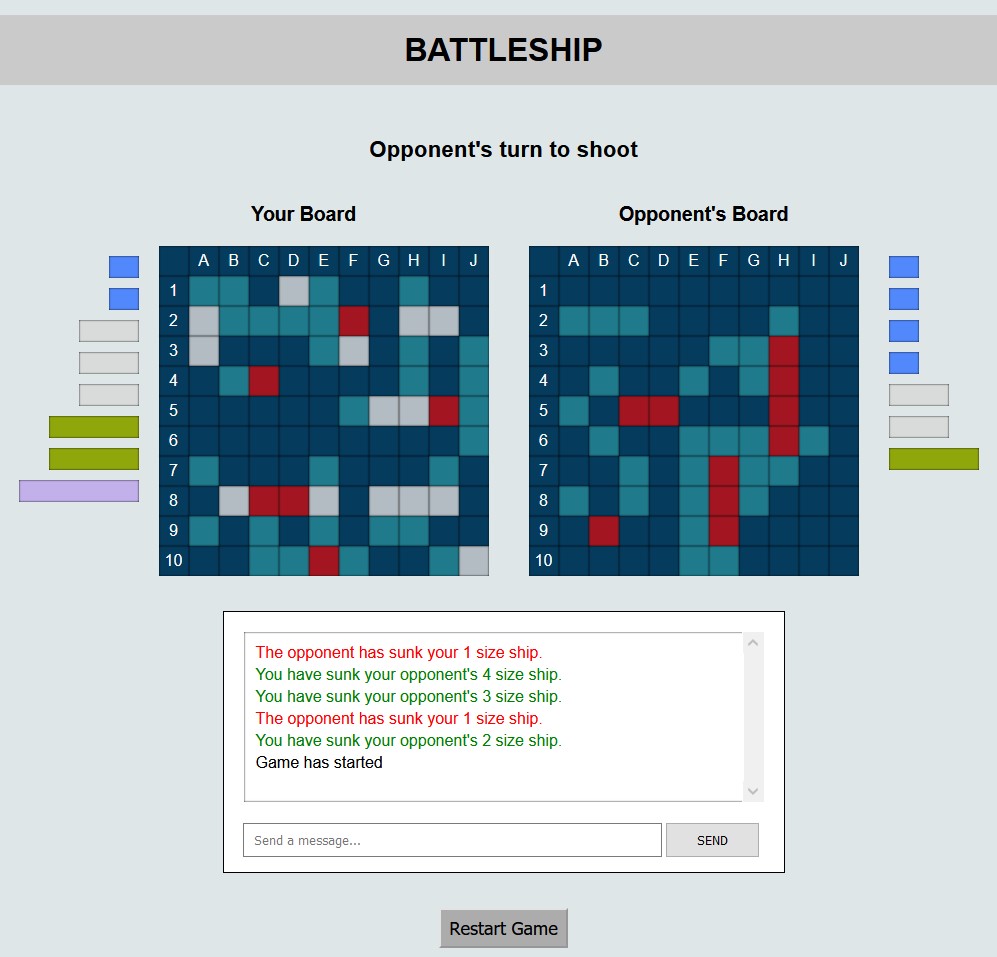
Battleship
Classic Battleship game against AI! Place your ships and sink the enemy fleet.